
Job seekers often send 30 to 200 applications before landing work. Without a plan, chaos hits fast. You miss follow-ups, apply twice to the same spot, or lose track of chances altogether.
Poor organization kills momentum. It leaves you stressed and interview rates stuck below 2 percent. But a simple job application tracker changes that. Free tools like spreadsheets or apps such as Teal cut the mess and push rates to 5 to 10 percent.
This guide shows you how. You’ll pick tools, build your tracker, form habits, and add pro tips. Ready to turn job hunting into a winning system?
Pick the Right Tool to Track Your Job Applications Without the Hassle
A good tracker spots patterns in responses. It prevents forgotten follow-ups and duplicate apps. You stay on top of every step from apply to offer.
Start simple or go advanced based on your needs. Free spreadsheets suit beginners because they cost nothing and customize easy. Apps like Teal HQ add auto-features for power users.
In 2026, AI trends favor one-click Chrome extensions. They match keywords and log jobs fast. Pick what fits your style, then stick to it.
Here’s a quick comparison to help you choose:
| Tool | Best For | Free Tier? |
|---|---|---|
| Google Sheets | Custom setups, beginners | Yes |
| Teal HQ | Keyword matching, 50+ sites | Basic yes |
| Huntr | Visual Kanban boards | Yes |
| Prentus | AI reminders, deadlines | Limited |
Spreadsheets work if you want control. Apps shine for automation. Test a free option today.
Why Free Spreadsheets Are a Smart Starting Point
Set up columns like Company, Job Title, Apply Date, Status, Contact, Follow-Up Date, Job Link, and Notes. Use dropdowns for Status: Applied, Interview, Rejected, Offer.
Color-code rows for quick scans. Green means interviews. Yellow flags follow-ups. Red marks closed ones. No learning curve means you start fast.
Filters and conditional formatting sort data in seconds. Pros include full customization and zero cost. Grab a ready-to-copy Google Sheets tracker to skip setup.
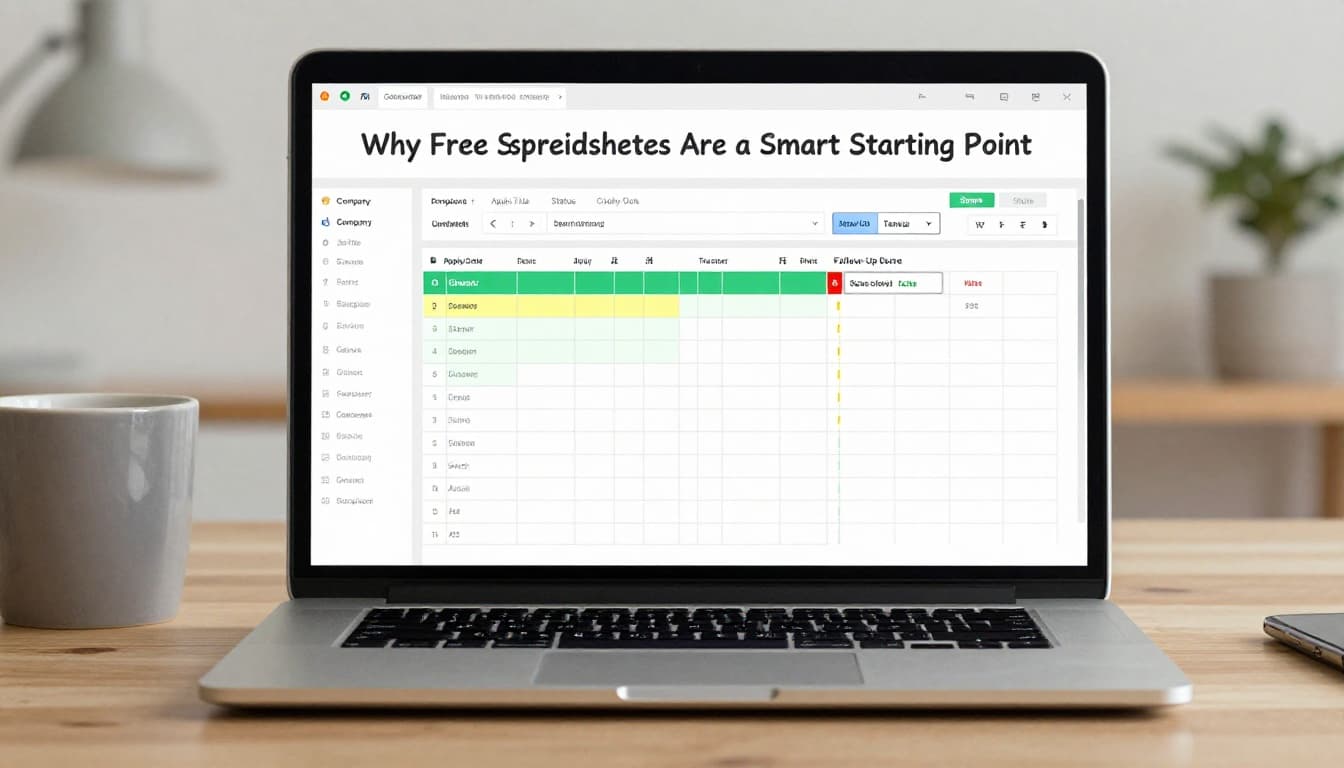
Add formulas for auto-dates. This keeps your search calm and data-driven.
Upgrade to Apps Like Teal and Huntr for Auto-Magic Tracking
Teal bookmarks jobs from over 50 sites. It tracks status, adds notes, rates excitement, and matches resume keywords. Free basic plan covers most needs.
Huntr uses drag-and-drop Kanban columns for stages like Applied to Offer. Add tasks and timelines visually. Both offer mobile access and analytics.
Prentus sends deadlines and interview reminders. It includes AI resume tweaks. Free tiers let you test before upgrading.
Auto-save cuts manual entry. Check a Teal HQ review for real user stats.
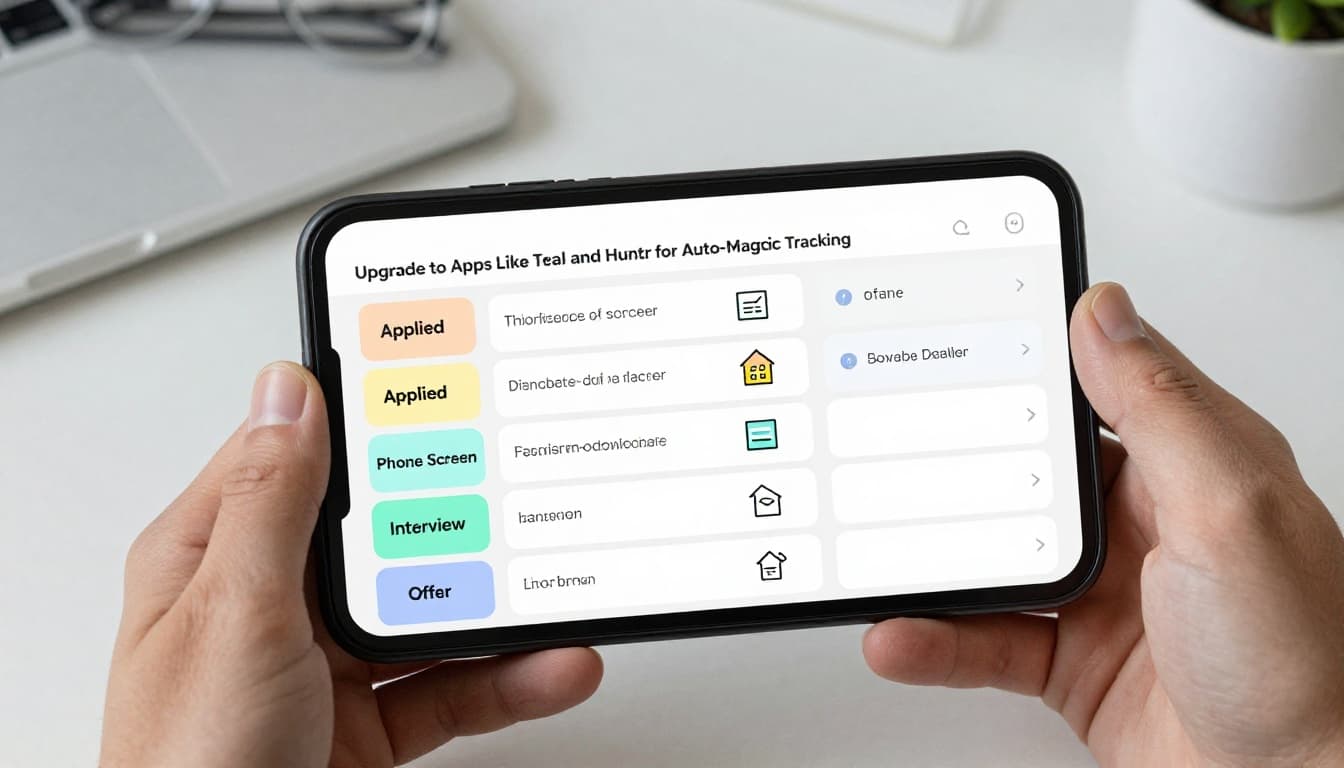
Apps handle high volume. They turn scattered apps into clear progress.
Build a Bulletproof Job Tracker That Catches Every Opportunity
Log every application right away. Include date, link, salary notes, referral source, and why you fit. This prevents oversights.
Set reminders for follow-ups in 1 to 2 weeks. Dropdown statuses speed updates. Track sources to find what works best.
Turn your tracker into a dashboard. Link resumes, monitor progress, prep for interviews. One view rules all.
Essential Columns Every Tracker Needs
Company and Job Title keep details clear. Application Date and Link prove you applied.
Status shows progress at a glance. Next Action or Follow-Up Date prompts moves. Contact Name and Email aid outreach.
Notes capture fit reasons and interview details. Outcome and Salary track wins. Each fights forgetfulness.
For example, notes might say “Referred by Jane, strong on Python.” This builds your story.
Color-Code and Automate for Effortless Updates
Assign green to progress. Yellow means action needed. Red closes loops.
Link to calendars for reminders. Apps auto-update statuses where possible.
Add a 1 to 5 excitement score. Prioritize hot leads first. Updates take seconds.
Daily and Weekly Habits That Make Organization Stick
Log apps under 1 minute after submit. Follow up in 7 to 14 days. Batch 10 to 20 daily to hit 32 to 200 without burnout.
Weekly reviews spot tweaks. Aim for 5 to 10 percent interview rates. Search your tracker before new apps.
These routines build consistency. They turn effort into results.

Log and Follow Up Like Clockwork
Apply, then log instantly. Schedule the follow-up.
Use a polite email template: “Hi, I applied for [role] on [date]. Excited about [fit]. Any updates?” Apps remind you.
This boosts responses. Data shows 42 apps per interview without it.
Sunday Reset: Review and Refine Your Search
Sort by status. Analyze low-response jobs.
Delete duds. Celebrate wins. Adjust for more referrals if they convert.
Spot patterns in sources or roles. Plan next week’s batch.
Pro Tweaks and 2026 Trends to Supercharge Your Job Hunt
AI auto-fills trackers and matches keywords. Tools like Teal predict interviews. Chrome extensions save with one click.
All-in-one dashboards handle resumes and letters. Try Careerflow or Careerkit.
Track apps-to-interviews ratio. Integrate calendars. See 2026 data on apps per interview.
Stick to one tool. Avoid overload.
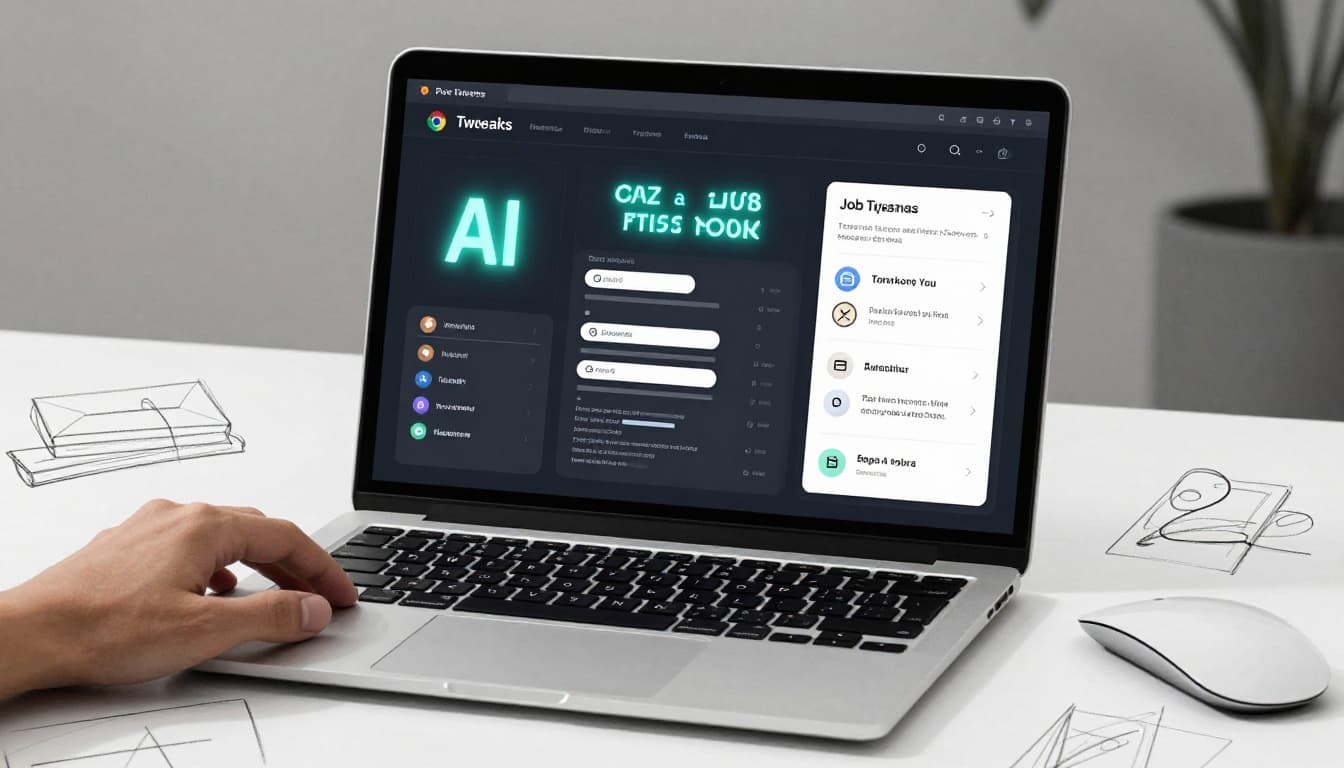
Skills matching beats keywords now. Authenticity checks keep you real.
A solid tracker cuts stress and lands more interviews. Set one up today with a spreadsheet or Teal.
Your dream job waits, one tracked app at a time. Share your tracker tips in comments. Subscribe for more career wins.