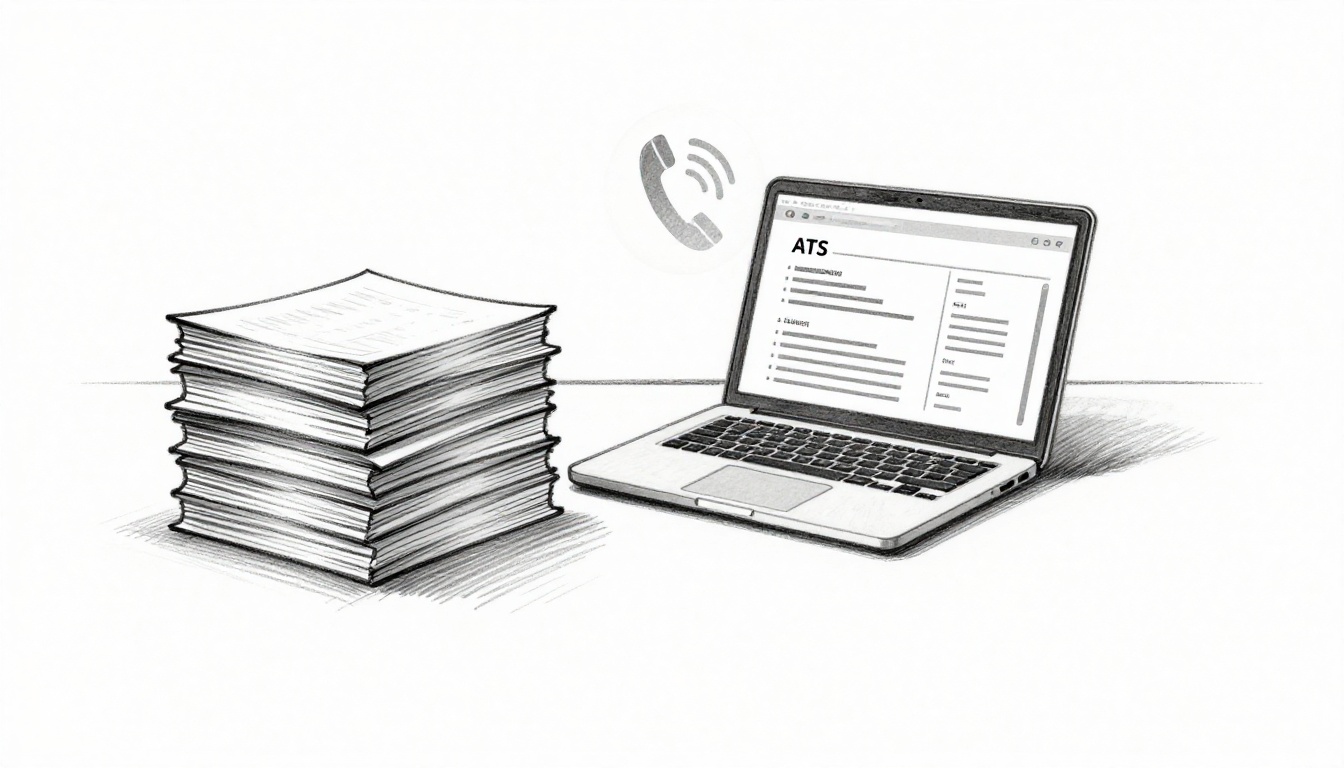
You’ve hit apply on dozens of jobs this week. Still no interview calls. In early 2026, job seekers submit over 200 applications per role on average, yet 75% of resumes get rejected by ATS before anyone reads them.
It’s frustrating, especially with trends like ghost jobs clogging boards, recruiter teams down, and hire rates stuck below 1%. You deserve better than silence.
These job application tips 2026 fix that fast through ATS resume optimization and smart moves. Ready to land those calls?
Your Resume Gets Trashed by ATS Filters Before Anyone Reads It
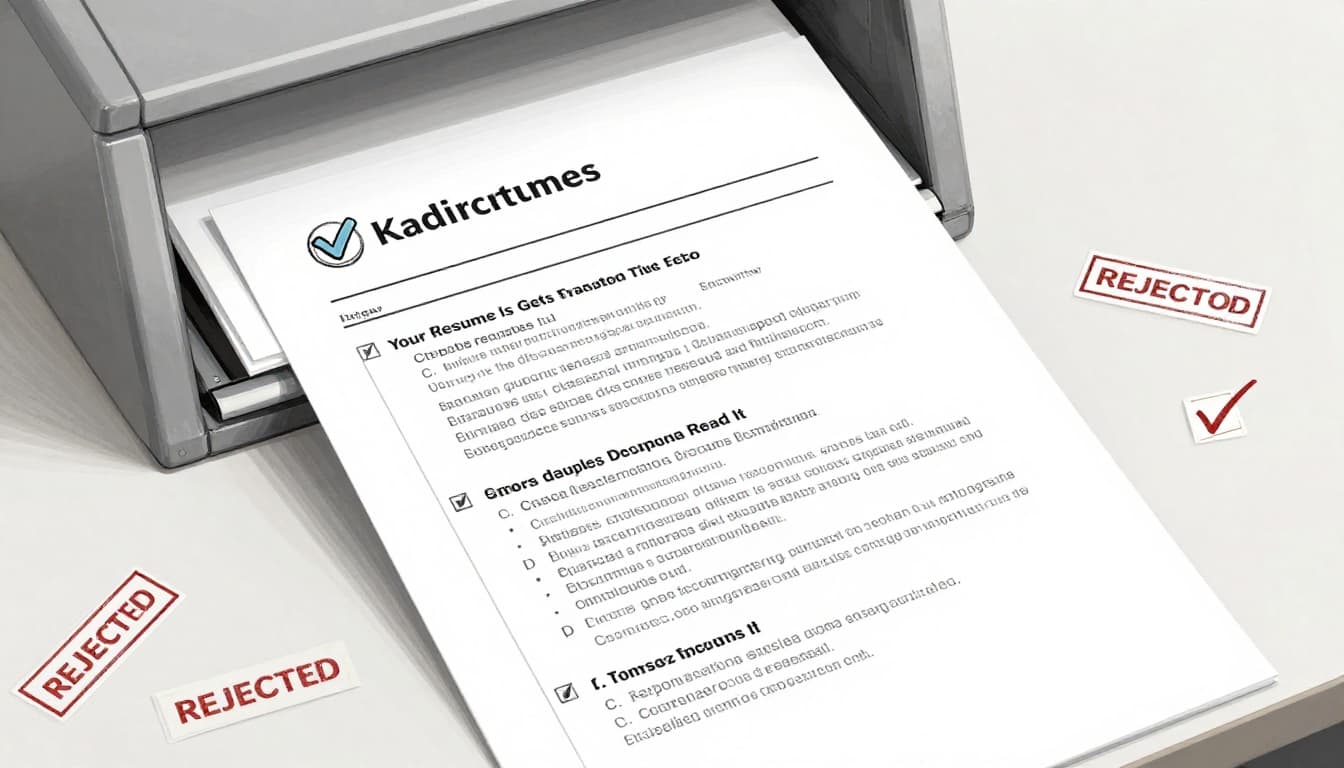
Picture this: You spend hours perfecting your resume. Then ATS software tosses it in seconds. About 75% of resumes face rejection before recruiters even glance at them. This holds true in 2026, where 98% of large companies rely on these systems. They scan fast, often in under five seconds, and boot out anything that doesn’t match the job post perfectly.
Why? Keywords miss the mark, or formatting trips up the parser. No exact phrases from the description? Gone. Fancy fonts, images, or tables? Invisible. Recruiters see only the survivors, and with 250 applicants per role, your odds plummet. Sarah faced this head-on. She fired off 50 applications for marketing gigs. Zero replies. Then she mirrored job phrases like “SEO optimization” in her bullets. Calls poured in within a week.
The fix starts with clean structure. Ditch PDFs unless specified; they parse poorly. Stick to one page. Use reverse chronological order. Opt for Arial or Times New Roman in 10-12 point font. No graphics. Place keywords in experience bullets, not just a skills list. Test it all with a free ATS resume checker like MyPerfectResume’s tool.
Spot and Dodge ATS Traps in Seconds
ATS hates clutter. Tables block reads in 43% of cases. Headers and footers vanish. PDFs with scans fail outright. Even non-standard dates confuse parsers.
Switch to a plain Word doc right away. Use standard headings: “Work Experience,” “Education,” “Skills.” Save as .docx. These steps let software pull data cleanly.
Here are five must-do formats to pass filters every time:
- Font and size: Arial, 10-12pt. Keeps text readable for machines and eyes.
- File type: .docx only. Avoid PDFs; opt for text-based files.
- Layout: Single column, no tables or images. Use bold for job titles only.
- Headings: Exact phrases like “Professional Summary” or “Work History.” No custom labels.
- Order: Reverse chronological. List newest jobs first.
Follow these, and your resume reaches humans. Test with tools like ResumeAdapter’s free ATS scanner for quick proof.
Quick ATS Checklist
- One page max
- Standard fonts/sizes
- No images/tables
- Keywords in bullets
- .docx format
- Run a free scan
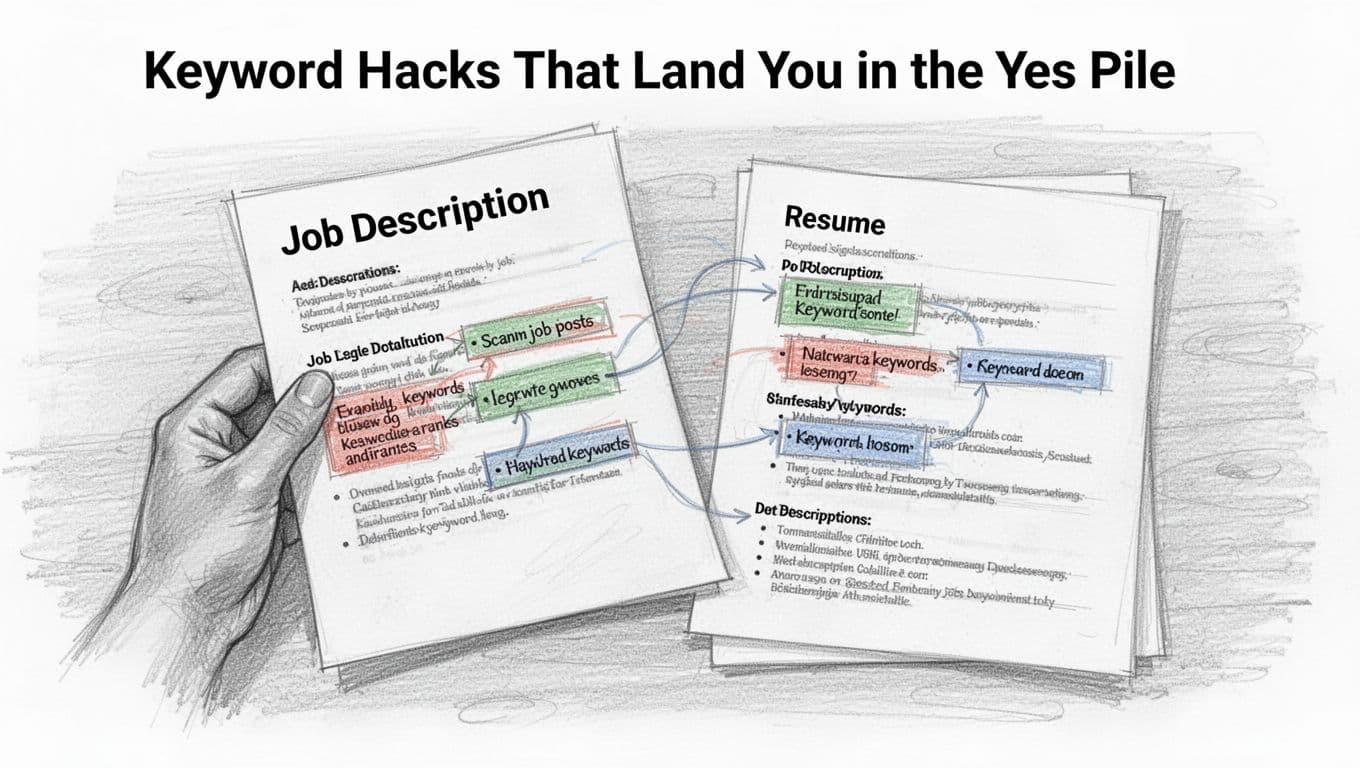
Keyword Hacks That Land You in the Yes Pile
Keywords rule ATS scores. Systems demand exact matches from the job post. Miss “Python developer”? Auto-reject. In 2026, 76% fail here because phrases don’t align.
Start simple. Scan the posting for 5-10 key terms. “Led projects boosting sales 30%,” not just “leadership.” Weave them naturally into bullets. Focus on relevance; stuffing kills authenticity.
Here’s your step-by-step plan:
- Copy phrases: Grab “data analysis” or “Agile methodology” verbatim from the ad.
- Place smart: Put them in experience bullets. “Managed data analysis for 50 clients, cutting costs 25%.”
- Add metrics: Pair with numbers. “Python developer role: Built apps increasing efficiency 40%.”
- Balance sections: Two-three per job. Repeat in summary if key.
- Avoid overkill: Five max per page. Humans spot fakes.
Sarah nailed this. Her old resume listed “marketing.” New one said “drove SEO optimization yielding 30% traffic growth.” Boom, interviews.
Test tweaks with a free ATS checker from Convertifyy. Scores jump, calls follow. You control this now.
You’re Chasing Ghost Jobs That Were Never Real Openings
You apply to job after job. Days pass with no replies. Then you spot the same postings weeks later. These ghost jobs make up 27% to 43% of listings, based on 2026 data from sources like LinkedIn and recent studies. Companies post them to build talent pools, test ads, or look busy, but they rarely hire. As a result, you waste hours on 200 to 300 applications per role that lead nowhere. Meanwhile, real openings get buried.
Job seekers lose 11 hours a week on average to these fakes. In addition, 47% of people report hitting ghost jobs this year. So, you chase shadows instead of real chances. The good news? You can spot them quick and focus on legit spots. That boosts your odds big time.
How to Sniff Out Fake Postings Fast
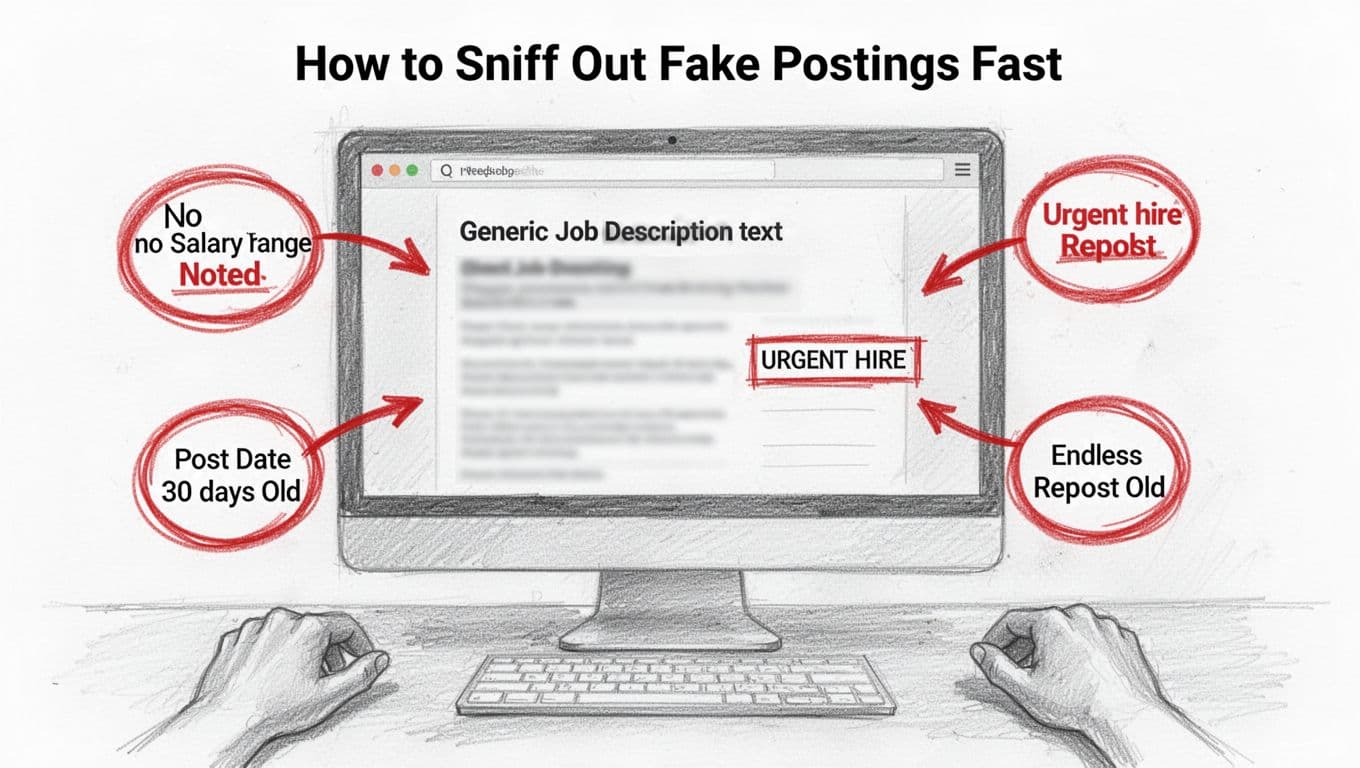
Scan postings for clear warnings. Generic descriptions scream fake. They say “dynamic team player” but skip real duties or tools. No company details? Run. Endless reposts on the same board mean no hires happened.
Here are top red flags to dodge right away:
- Post age over 30 days: Fresh jobs fill fast. Old ones sit because no one wants them, or they never existed.
- No salary range: Real employers list pay now, thanks to new laws in most states. Vague “competitive” means trouble.
- Urgent hire tags: “Apply today!” sounds hot, but fakes use pressure to grab resumes.
- Copy-paste feel: Same text across sites, no specifics on team size or projects.
- Missing contacts: No hiring manager name or LinkedIn link.
Check fast with a Google search: job title plus company name. Real roles show news or employee posts. Fakes? Crickets or scam alerts.
Skip these traps. Instead, target company career pages for 5 to 10 matches each week. Those pull from active needs. Track everything in a simple spreadsheet: job title, company, apply date, and follow-up plan like a LinkedIn note in two weeks. For example, ResuFit’s guide on spotting ghost jobs backs this with real examples.
Targeted apps double your interview shots, per job market stats. You save time and land real talks. Next, apply smarter where it counts.
Your Resume Screams ‘Generic AI Output’ to Busy Recruiters
Busy recruiters spot AI-generated resumes in seconds. They see the same bland phrases everywhere. In 2026, 97% of companies use AI-powered ATS that flags generic content. Yours likely says “team player” or “hard worker.” No wonder it gets tossed. Recruiters want proof, not fluff. They skim hundreds daily and crave real stories with numbers.
You fix this fast. Ditch overused words. Add your wins. Tailor quickly. Then watch calls roll in. Personal touches beat AI every time.
Build a Headline That Stops Scrollers
Your resume headline sits right under your name. It grabs eyes first. Generic ones like “Experienced Professional Seeking Opportunities” scream AI. Recruiters scroll past.
Use this simple formula: Job title | Key skill | Achievement. It packs punch in one line. Tailor it in 10 minutes per job. Pull phrases from the posting. Add your real metric. Then ask a friend for quick feedback.
Here are three examples for different fields:
- Marketing Manager | SEO Expert | Drove 20% Traffic Growth in 5 Years
- Software Engineer | Python Specialist | Built Apps Boosting Efficiency 40%
- Sales Representative | Negotiation Pro | Exceeded Quota by 150% Annually
These shine because numbers prove value. Avoid fluff like “Passionate Leader.” For more ideas, check Zety’s 60+ resume headline examples for 2026.
Spend those 10 minutes copying job terms. Test on peers. Your headline now stops scrolls and sparks interest.
Swap Boring Bullets for Power Punchers
Boring bullets kill your chances. “Managed team” tells nothing. Recruiters yawn. In 2026 trends, they demand action verbs + metrics + results. This makes your resume AI-proof. Add personal stories too, like how you grew sales 30% via targeted campaigns.
Transform weak lines now. Start with strong verbs: Led, Boosted, Cut. Follow with numbers. End with impact.
See this before-and-after table:
| Boring (AI-Like) Bullet | Power Puncher Bullet | Why It Wins |
|---|---|---|
| Managed a team of 5 | Led 5-person team to 25% efficiency gain | Shows action and result |
| Handled customer service | Resolved 200+ queries weekly, boosting NPS 15% | Adds metrics and outcome |
| Worked on marketing projects | Grew sales 30% via targeted email campaigns | Ties to real achievement |
These changes work because they prove value. Skip “team player” forever. Use your story instead. For examples, see Jobwinner’s powerful bullet points for 2026.
Revise all bullets this way. Results follow. Your resume now stands out to humans and machines.
Your LinkedIn Profile Hides You from 90% of Recruiter Searches
Recruiters start on LinkedIn. They search there before anywhere else. But 90% of profiles get overlooked because they lack punch. Bland setups don’t rank in results. As a result, you miss out on direct messages and views.
In addition, incomplete profiles drop off fast. No photo? Instant pass. Empty sections? Buried deep. Fix this now. Snap a pro headshot. Stuff keywords into your headline. Complete the experience and summary spots. Add 3-5 top skills and chase endorsements. Post once a week to stay active. Switch on the green ‘Open to Work’ banner that only recruiters see. Connect with 10 people weekly, like alumni or industry pros. These moves skyrocket your visibility. Because real engagement pulls in opportunities.
Headline and Banner Tweaks for Instant Visibility
Your headline appears everywhere: searches, posts, messages. Recruiters decide in seconds. Ditch “Job Seeker at Company X.” Pack it with job titles, skills, and hooks instead. Aim for 220 characters max.
Try these five headline templates, pulled straight from top 2026 examples:
- Job Title | Key Skills | Big Win: Software Engineer | React & AWS | Boosted App Speed 40%
- Role | Expertise | Open Status: Marketing Manager | SEO & Content | Open to New Roles
- Title | Niche Skill | Result: Data Analyst | SQL & Python | Cut Costs 25% for Teams
- Position | Tools | Seeking: Sales Rep | CRM Pro | Exceeded Targets 150% | Hiring Now
- Expertise | Achievement | Availability: UX Designer | Figma Specialist | Grew User Engagement 30% | Open to Work
Copy one. Swap in your details. Tailor per job type. For more, see 50+ LinkedIn headline examples for 2026.
Now banners. They frame your profile. Use Canva’s free tools for quick designs. Pick clean templates. Add your tagline or skills icons. Keep it pro: blue tones, minimal text. Enable the recruiter-only green banner too. It signals you’re ready without scaring employers.
LinkedIn Optimization Checklist
- Pro photo (smile, plain background)
- Keyword headline with skills/results
- Full summary (3-5 paragraphs, achievements)
- All experience bullets with metrics
- 3-5 pinned skills, seek endorsements
- Weekly posts (tips, wins)
- Green ‘Open to Work’ on
- 10 new connections weekly
Test 10 free LinkedIn banner templates in Canva. Views climb. Recruiters notice. Calls start coming.
Mass Applications Fail: Switch to Referrals and Direct Emails
Job boards deliver tiny wins. You get just a 2-5% hire rate from hundreds of apps. Meanwhile, networks fill 70% of roles, often through referrals with a 28% hire chance or 10 times better odds. So, flip your plan. Put 70% effort into referrals and direct outreach. That follows the 80/20 rule: 20% apps bring 80% networking results. Apply Tue-Thu mornings for best views. Follow up in 5-7 days. Referrals cut hire time to 29 days. Direct messages to recruiters or managers work too. Say, “Saw your post for [role]. Here’s why I fit.” These steps land calls fast because people trust warm intros over cold sprays.
Find and Message the Right People Without Being Spammy
Hunt smart on LinkedIn first. Search “hiring manager” + company + role, like “hiring manager Google software engineer.” Or try “recruiter” + company + role. Results show real decision-makers. Filter by “People” and current company. Skip sales reps. Aim for 5-10 targets per job.
Next, engage before messaging. Like or comment on their post. Wait a day. Then send a short note. Keep it polite and specific. No attachments. Personalize with their name and a shared link.
Here are three proven message templates:
- For a job post: “Hi [Name], I saw your post for [role] at [Company]. I boosted app speed 40% with React at [Your Last Job]. My LinkedIn has details. Open to chat?”
- Cold reach: “Hi [Name], Noticed you’re hiring [role] at [Company]. My experience in [skill from their post] matches well. Check my profile. Thoughts?”
- Referral ask: “Hi [Name], [Mutual Contact] suggested I reach out for [role]. I cut costs 25% with SQL there. Happy to share more.”
These get replies because they add value quick. For more hacks, see 8 LinkedIn search tips recruiters use in 2026.
Track sends in a sheet: name, date, follow-up. Ping again in a week: “Hi [Name], circling back on [role]. Any fit?” Also hunt emails via Hunter.io or company sites. Same scripts work. You skip spam flags. Interviews follow.
Skip Networking and Miss 80% of Hidden Job Opportunities
You apply online every day. Yet 80% of jobs never hit public boards. They fill through referrals and chats. Recent data shows 70-85% of roles go to networked candidates. Companies skip postings because recruiters face cuts. Teams shrank 14% last year. So, they tap warm connections first. As a result, you chase scraps if you skip people.
Networks unlock these hidden spots. Start small. Build habits now. Calls follow because trust beats cold apps.
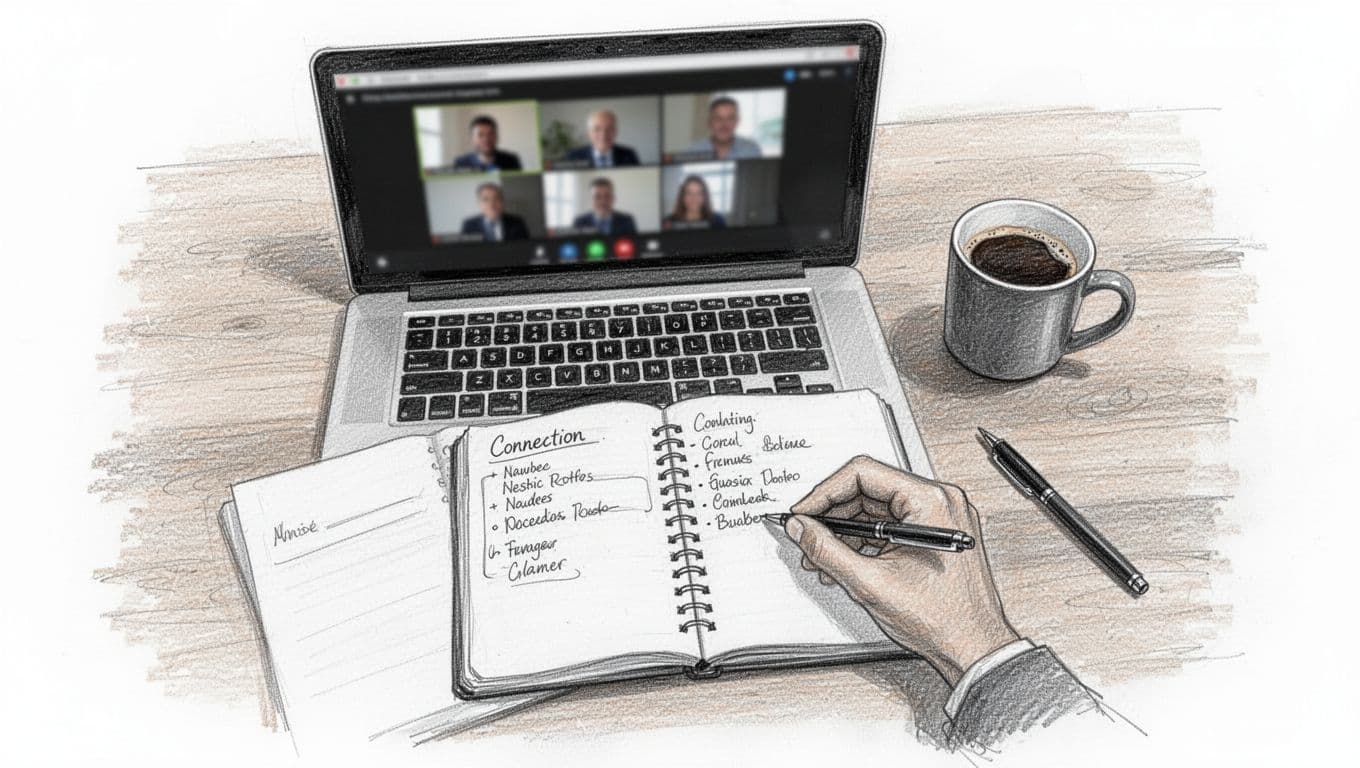
Hit One Virtual Event Each Week
Join a virtual event weekly on Meetup or LinkedIn Live. These draw pros sharing unposted roles. For example, tech hubs host AI and data chats. You spot needs before ads drop.
Pick ones in your field. Show up early. Chat in the side room. Ask about team gaps. Follow ResumeHog’s guide on 2026 networking data for proof it works. One event nets three solid ties.
Message Five Connections Daily
Send notes to five connections each day. Keep it light: “Loved your post on [topic]. Any tips for [role] openings?” They reply with leads. Because people share hidden jobs freely.
Personalize fast. Reference their work. No asks yet. Just build rapport. In addition, check profiles for mutuals. This warms paths to 70% of hires.
Jump Into Discord and Reddit Groups
Join Discord or Reddit groups for your niche. Tech seekers love r/cscareerquestions. Discord servers host daily job threads. Lurk first. Then help: share resume tips or tools.
Offer value upfront. Someone notices your skills. Referrals spark. Groups reveal unposted gigs too. Track chats in a sheet.
Track Wins to Stay on Course
Log every new tie: name, chat date, follow-up. Review weekly. One coffee chat led my friend to a role. Networks compound. So, measure progress. You hit hidden gold fast.
Conclusion
You beat ATS filters with clean formats and keywords. You dodge ghost jobs by targeting company pages. A LinkedIn glow-up and networking push fill your pipeline with real leads.
In 2026, jobs draw 200-300 apps each, yet tailored efforts land interviews from just 10-20 shots. Start your 30-day plan now: Week 1 fixes resume and profile, Week 2 networks five daily, Week 3 sends targeted messages, Week 4 tracks wins.
What’s your top roadblock? Comment below or share your plan. You’ve got the tools; now go land that interview. (Check our FAQ next for more on this tough 4.4% unemployment market.)