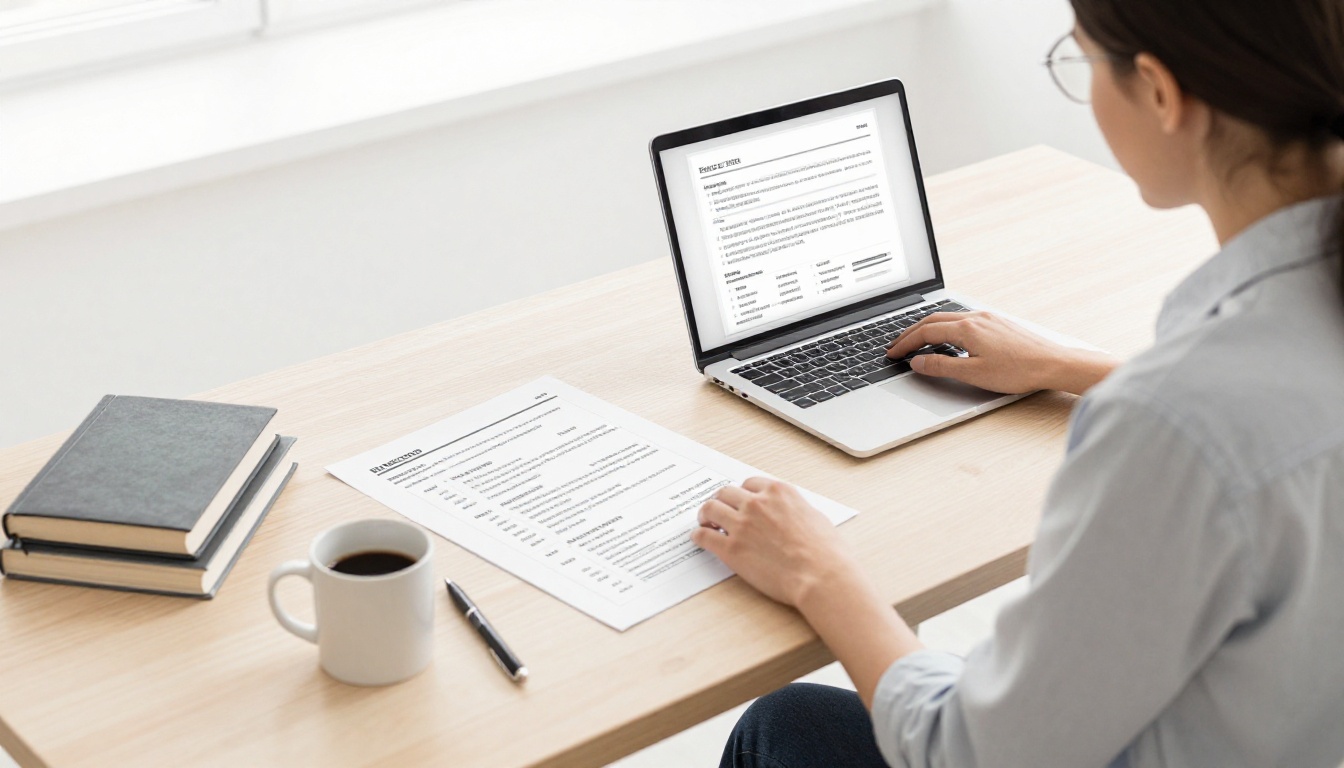
Picture this: Sarah, a high school grad in 2026, sent her resume to 20 retail spots. Most got ignored. She switched to a hybrid format, highlighted her cashier skills from volunteering, and landed interviews fast. Good formatting turns no experience into a win because it spotlights your strengths over gaps.
Hiring managers spend seven seconds scanning. ATS bots filter most first. You need a one-page resume that beats both. This guide walks you through a simple hybrid resume setup with entry-level resume tips. You’ll build one that grabs attention right away.
Why Choose a Hybrid Resume Format for Your First Gig
The hybrid resume tops trends for first jobs in 2026. It lists skills upfront, then education and activities in reverse order. You grab eyes fast, even without paid work.
Chronological resumes flop for beginners because empty job sections kill interest. Functional ones hide dates, and ATS often flags them. Hybrid fixes that. It blends both worlds so recruiters see what you offer first.
Pros include:
- Skills lead, so gaps fade.
- Reverse-chronological builds trust.
- ATS loves the standard flow.
Current data shows hybrid rising for entry-level tech and service roles. Employers want quick proof of fit. Skip fancy templates. Stick to clean text.
See 15 entry-level resume examples that worked in 2026 for real ideas.
Sample Hybrid Layout to Copy
Start with contact info at top. Follow with a summary, skills, education, experience from school or volunteers, then extras like awards.
This order helps ATS parse and humans scan. Contact block sits bold and centered. Summary runs two lines. Skills use short bullets.
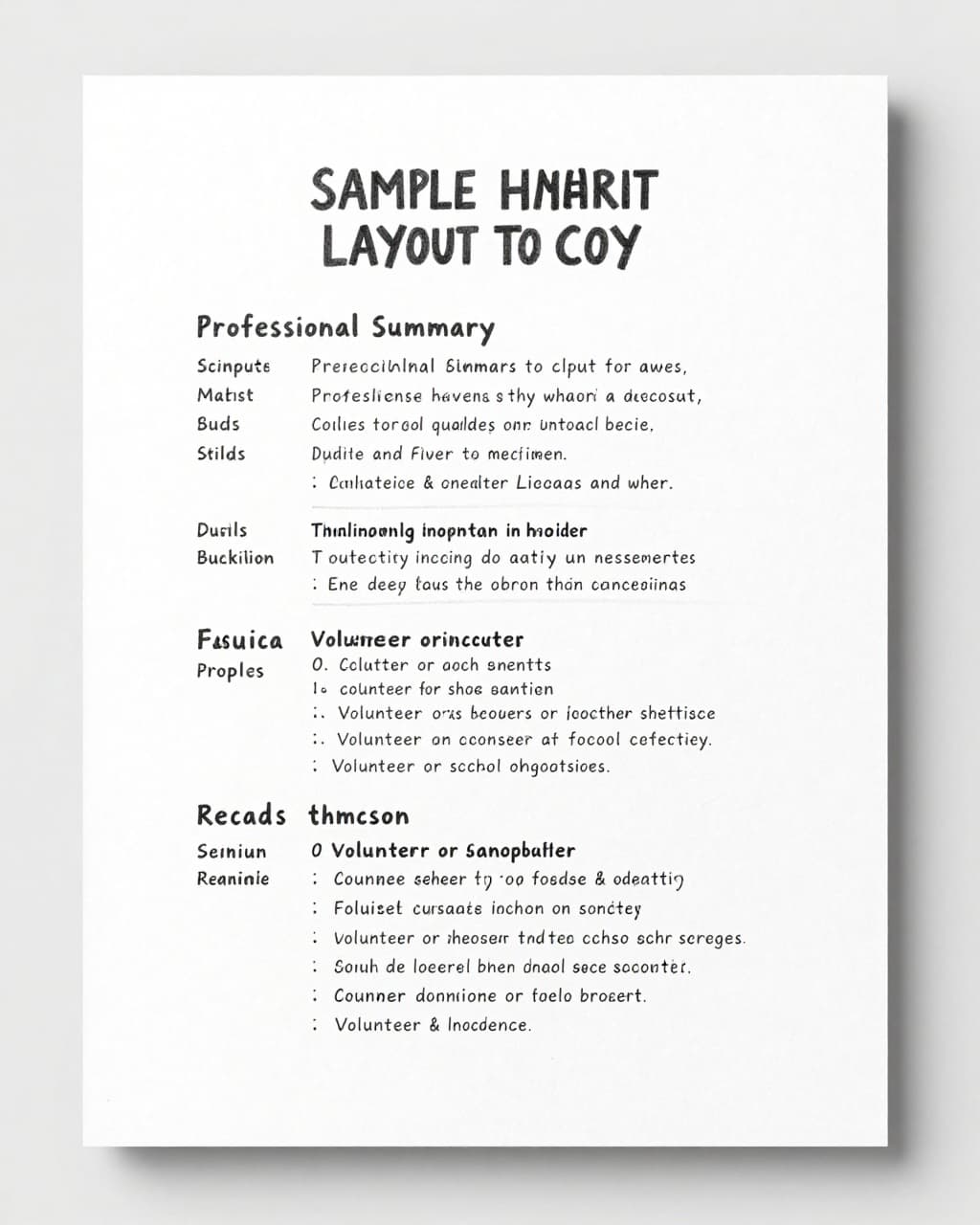
Keep sections stacked in one column. Dates go right-aligned under titles. White space separates them.
Fill in the Key Sections That Make You Shine
Build sections in order. Tailor to your story. School clubs count as experience. Start bullets with action verbs like “Led” or “Organized.” Add numbers for punch, such as “Tutored 10 students weekly.”
No “I” statements. Match job ad words naturally. This pulls recruiters in.
Craft a Punchy Professional Summary
Open with a 2-3 line objective. Tie your goals to skills. For retail, try: “Motivated high school grad with strong customer service from volunteering and Excel basics. Eager to join a team-focused store.”
Keep it job-specific. Highlight what you bring. This hooks before they scroll.
List Skills That Match the Job Ad
Choose 6-10 skills. Pull phrases from postings, like “Customer service” or “Basic Python.” Bullet them clean.
- Customer service: Handled queries at school events.
- Microsoft Excel: Tracked budgets for club funds.
Context boosts ATS hits. Show relevance without stuffing.
Spotlight Your Education and Projects
Lead with school if it’s your top asset. List degree, school, graduation year. Add GPA over 3.5. Note key classes or projects.
Example: High School Diploma, Lincoln High, 2026 (GPA 3.8). Built habit-tracking app in coding class; logged 500 user entries.
Projects prove skills. Quantify results.
Turn School and Volunteer Roles into Experience
Format like jobs: Title, group, dates, 3-5 bullets. Use “Volunteer Coordinator, Animal Shelter (2025-Present).”
- Organized events for 50 attendees.
- Trained 5 new helpers.
Present tense for current roles. Past for old ones. This turns activities into wins.
Make It ATS-Friendly So You Get Past the Robots
ATS reads 75% of resumes first. Bad format means instant reject. Use standard headers like “Skills.” Pick Arial or Calibri, 10-12 point. One column only.
Left-align text. Skip tables, images, colors. Save as PDF. Weave job ad keywords into bullets naturally.
Over 97% of big firms use ATS in 2026. Simple setup passes every time. Check ATS optimized resume rules for 2026 for tests.
Here’s a quick guide:
| Do’s | Don’ts |
|---|---|
| Standard headings | Graphics or images |
| One-column layout | Tables or columns |
| Keywords in context | Headers/footers |
| PDF or Word save | Fancy fonts/colors |
Follow this, and bots send you to humans. Simple changes save your shot.
Design Tips for a Clean, Scannable Look
Fit everything on one page. Set 0.5-1 inch margins. Bold section titles. Use short bullets, under two lines each.
Black text on white. Consistent dates as Month/Year. Quantify like “Raised $500 for charity.” Recruiters scan in seconds, so white space rules.
Build trust with pro polish. No clutter.
Avoid These First-Job Resume Traps
Common slips kill entry-level bids. Graphics confuse ATS. Keyword stuffing looks fake. Typos scream sloppy.
Two pages overwhelm. Vague bullets bore. Pronouns like “I” clutter.
| Mistake | Fix |
|---|---|
| Colors/graphics | Plain black text |
| Keyword stuffing | Natural phrases only |
| Typos/long pages | Proofread; one page max |
| Vague bullets | Add numbers/action verbs |
Clean hybrid beats trends. Check high school resume examples with no experience to spot more.
Your first resume sets the tone. Go hybrid, fill smart sections, tweak for ATS and design. Customize per job, then hit apply.
Grab a free template online and test it. Share your wins in comments. That first paycheck waits in 2026. Go get it.