
Picture Sarah, a fresh college grad in 2026. She had zero paid jobs. Yet she landed an entry-level marketing role at a tech startup. Her secret? A resume that spotlighted school projects, volunteer gigs, and sharp skills like AI tools and teamwork.
You might be in her shoes. As a student, recent grad, or career switcher, you lack work history. Employers still hire you because they value quick learners who solve problems. In 2026, skills-first resumes rule entry-level hiring. ATS software scans for keywords from job posts, while humans seek proof of impact from school or activities.
This guide walks you through it step by step. You’ll learn the best format, a standout summary, skills that match jobs, ways to frame education and projects as wins, plus tips to beat bots and avoid mistakes. Follow these, and you’ll create a one-page resume that grabs attention. Employers want potential, not just past roles. Let’s build yours.
Pick the Right Resume Format to Beat the Bots and Impress Humans
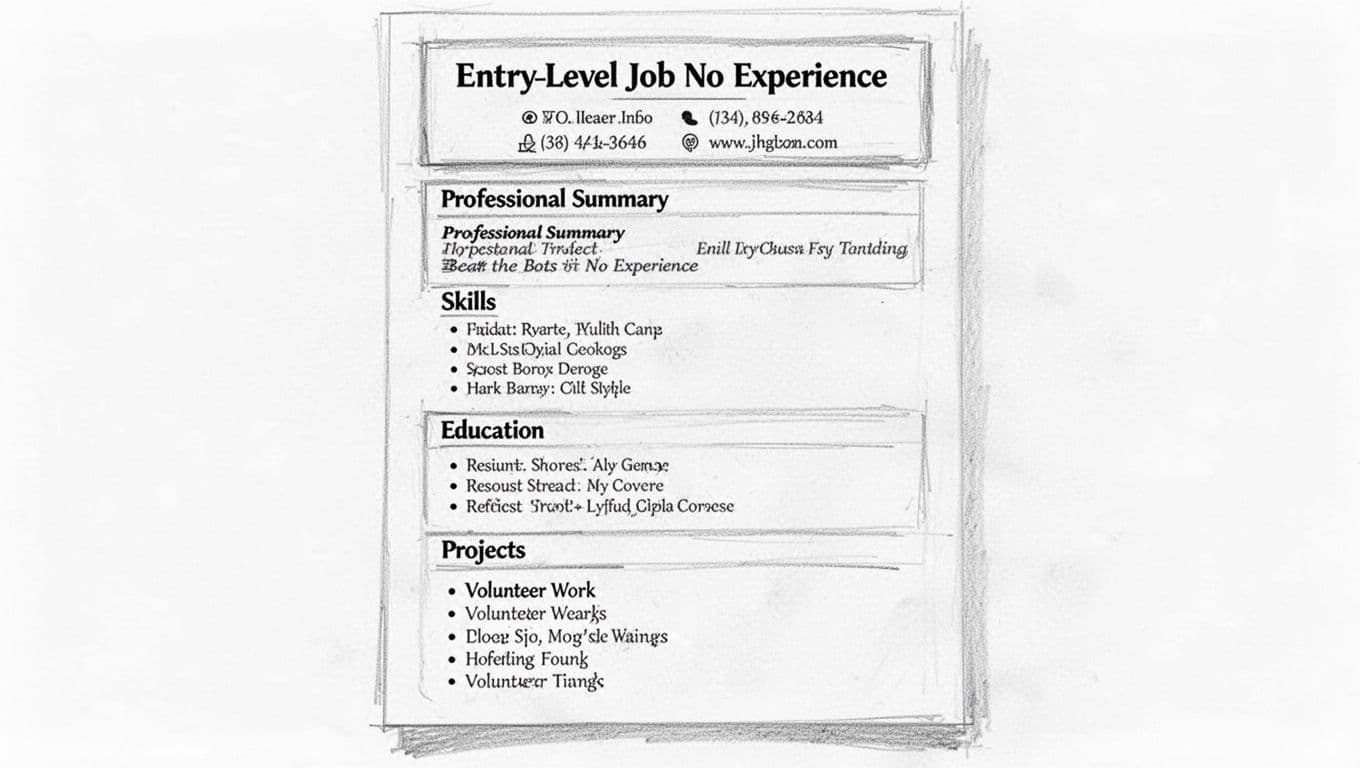
Start with a clean setup. In 2026, most companies use ATS to filter resumes. Fancy designs crash those systems. Go simple: one column, standard fonts like Arial or Calibri at 10-12 point, one-inch margins. Skip colors, images, or tables. They confuse scanners.
Put your header first. Include name, phone, email, city and state, plus LinkedIn if you have one. Save as PDF to lock formatting, or Word if the job asks. Keep it to one page. Sections flow like this: Header, Summary, Skills, Education, Projects, Volunteer Work, then optional certs.
Here’s a quick text sketch of the layout:
Your Name
Phone | Email | LinkedIn | City, State

Professional Summary
[Two punchy sentences]

Skills
• Skill 1 • Skill 2 • Skill 3

Education
Degree, School, Year

Projects
Project Name, Dates
• Bullet 1
• Bullet 2

Volunteer Experience
Role, Org, Dates
• Bullet 1
• Bullet 2
Tailor from the job description right away. Match their words for keywords.
Why Skip Fancy Designs and Stick to Simple
Graphics and multi-columns trip up ATS. In 2026, a resume with icons got rejected at Walmart because the bot couldn’t parse it. Humans skim fast too. Plain text lets them spot your strengths in seconds.
Simple wins because recruiters spend 7-10 seconds per resume. Bold headings and white space guide their eyes. For templates that work, check free ATS-friendly options from Monster. They match this no-frills style.
The Ideal Section Order for Newbies
Put skills and education up top. Experienced folks lead with jobs; you lead with potential. Bold headings like Skills stand out. Add line breaks between sections for easy reads.
Skills first shows quick value. Education next proves your base. Projects and volunteer follow as proof. This order beats traditional formats by 30% in ATS passes, per recent data.
Craft a Summary and Skills List That Screams ‘Hire Me’
Your summary hooks them. Write one to two sentences. Name the target job, list top skills, show enthusiasm. For example: “Eager entry-level marketer with social media skills from school campaigns. Ready to grow engagement at your team.”
Follow with 8-12 skills. Group them: technical like Excel, soft like communication. Pull exact terms from the job post, such as “customer service” or “AI literacy.” These pass ATS filters.
Transferable skills count big. School group work builds teamwork. Hobbies like gaming sharpen problem-solving. List them as bullets for scanability.
Build a Punchy Professional Summary
Keep it under 50 words. Use action words like “boosted” or “led.” Tailor to the company.
Admin assistant example: “Detail-oriented admin candidate skilled in Google Workspace and scheduling. Eager to support fast-paced teams at [Company].”
IT support: “Tech-savvy entry-level IT helper with troubleshooting from personal projects. Passionate about fixing issues for users.”
These fit because they echo job needs.
Curate Skills That Match Job Needs
Categorize for clarity. Technical: Excel, ChatGPT basics. Soft: Adaptability, teamwork. Job-specific: Cash handling for retail.
Before: “Good with computers.” After: “Proficient in Microsoft Office Suite and basic data analysis.”
Scan the job ad. Copy phrases like “time management.” This boosts matches by 40%.
Turn School, Projects, and Volunteer Work into Job Wins
Education leads your experience gap. List degree, school, expected year, GPA over 3.5. Add relevant courses like “Data Analysis” that tie to the job.
Projects shine next. Pick 2-4. Use bullets: action verb, task, result with numbers. “Built app prototype that cut task time 20%.”
Volunteer counts as work. Format like jobs: role, org, dates, impact bullets. Certs or awards add polish if relevant.
In 2026, online courses from free platforms build AI skills employers crave.
Make Your Education Section Pop
Format it so:
Education
Bachelor of Arts in Marketing, University of Example, Expected 2026
- GPA: 3.7/4.0
- Relevant Coursework: Digital Marketing, Consumer Behavior
Link courses to skills. “Digital Marketing class taught SEO basics.”
Transform Projects and Hobbies into Experience
Turn hobbies into wins. Weak: “Did a project.” Strong: “Designed poster campaign for school event, reached 500 students.”
Quantify always. “Coded simple game in Python, tested with 10 friends for feedback.”
Leverage Volunteer Roles and Clubs Like Paid Gigs
Food bank example:
Volunteer Coordinator, Local Shelter, 2025-Present
- Managed team of 5 to serve 100 meals weekly, cutting wait times 15%
Club treasurer: “Handled $1,000 budget for events, stayed under by 10%.”
These show real impact.
Spot Transferable Skills, Optimize for ATS, and Dodge Pitfalls
Everyday tasks build skills. Babysitting teaches time management: “Juggled schedules for 3 kids, ensured safe pickups.”
Link to jobs. Sports build teamwork for retail.
ATS loves standard headings like Skills. Spell out acronyms first. No graphics.
Common pitfalls kill chances. Generic text bores. Typos scream sloppy.
Uncover Everyday Skills Employers Want
Babysitting: “Managed conflicts, planned activities.” Ties to customer service.
Team sports: “Collaborated on strategy, adapted to changes.” Great for any role.
For more ideas, see this guide to transferable skills.
ATS Hacks to Get Past the First Screen
Do: Use job keywords exactly. Standard sections.
Don’t: Tables, headers/footers, odd fonts.
Test with free scanners.
Steer Clear of These Resume Killers
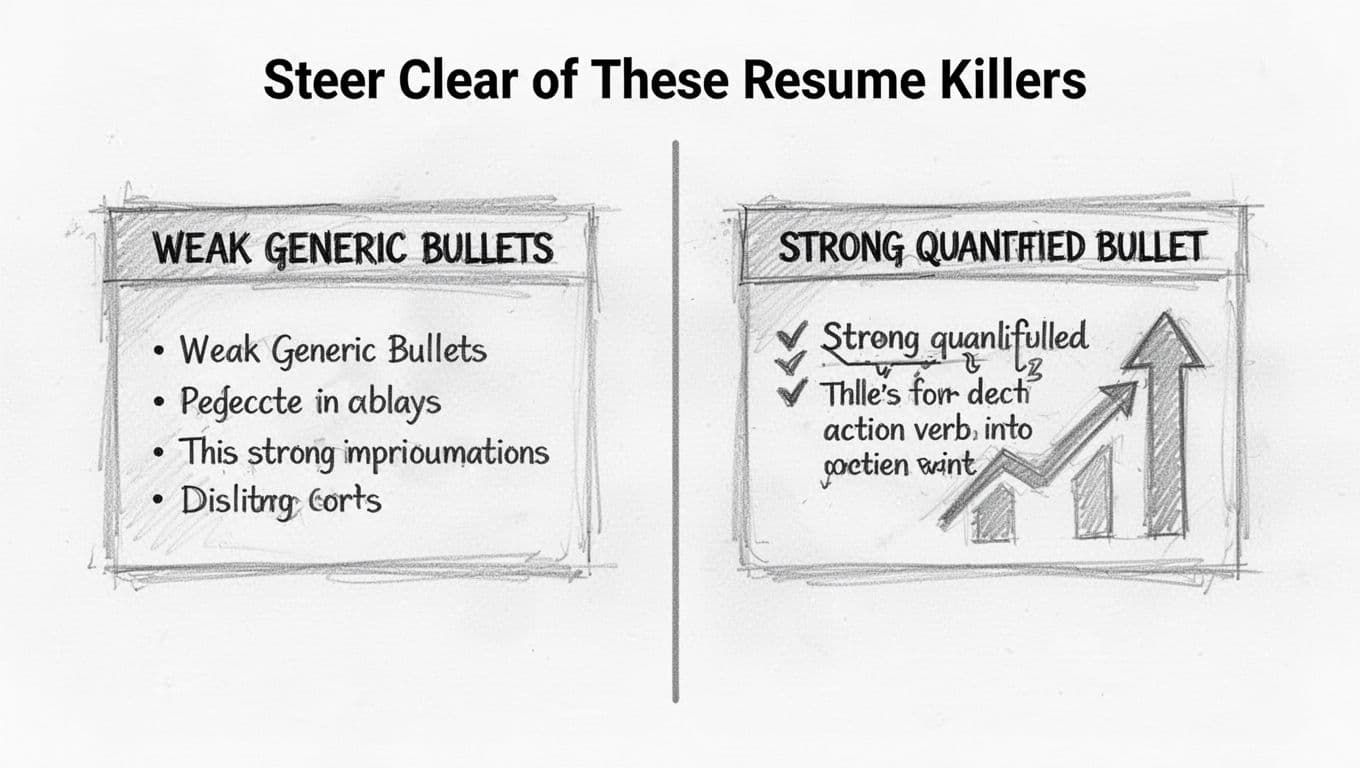
- Generic bullets. Fix: Add numbers.
- No tailoring. Match each job.
- Typos. Proofread twice.
- Irrelevant hobbies. Skip unless tied.
- Over one page. Trim ruthlessly.
- Weak summary. Make it specific.
Use AI for keywords, but rewrite in your voice. 47% of managers spot and skip bot-written ones.
You’ve got the blueprint: simple format, strong summary and skills up top, education and projects as stars, plus smart tweaks. Customize for every application. This builds confidence because life’s skills matter in 2026’s market.
Grab a free template from Resume-Now and start today. Write your draft now, then apply boldly. Your first job waits. What skill will you highlight first?