You stare at a blank page. No jobs yet. How do you compete? Tailored beginner resumes boost callbacks by 40 percent, according to recent hiring data. They highlight education, skills, and projects instead of empty work history.
Beginners shine by showing potential. Recruiters spend seconds scanning. This guide covers your header, summary, education, skills, experience alternatives, and 2026 formatting. You will build a one-page resume. It passes ATS bots and grabs human attention. Let’s get started.
Start Strong with Your Header and Professional Summary
Your resume top sets the tone. Make it clean and bold. Recruiters find you fast. They contact top picks within days.
Perfect Your Contact Details for Easy Reach
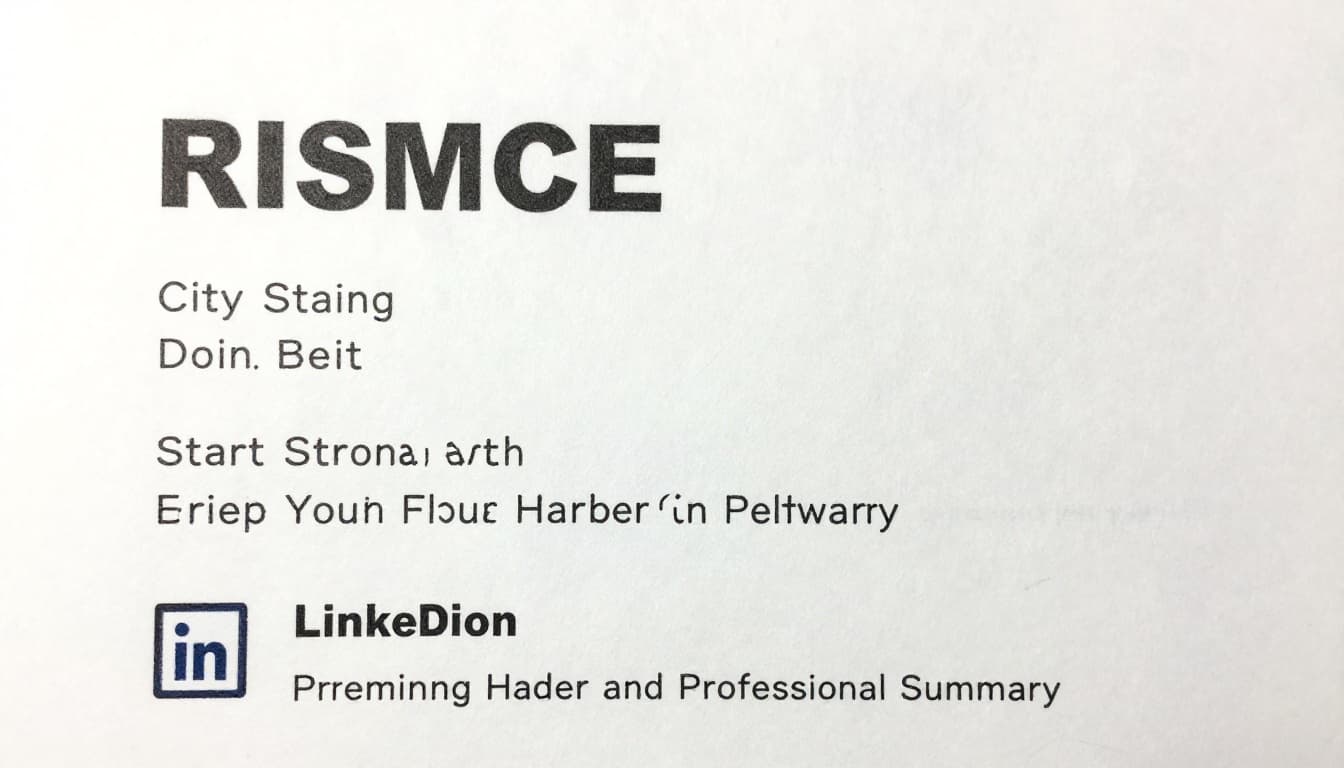
Put your full name first. Make it large and bold. Center it or align left. Below, add city and state only. No full address.
List phone next. Use a professional number. Then add email like john.doe@gmail.com. Skip old ones like partyguy123. Link your LinkedIn profile. Hyperlink it for clicks.
Name your file FirstnameLastname_Resume.pdf. Save as PDF. This keeps formatting intact. ATS reads it best. Recruiters reach out quick because details stand out.
Craft a Summary That Sells Your Potential
Write 2-3 lines right under contact info. Sell your strengths. State your goal. Add proof.
For example, an IT grad might say: “Motivated computer science graduate skilled in Python and SQL from class projects. Eager to support entry-level developer roles. Built apps that handled 500 users.”
Match job ad keywords like “remote work” or “customer service.” This beats ATS filters. In 2026, mention AI tools or remote readiness. It grabs eyes in seconds. Beginners win because it shows fit fast.
Put Education at the Top as Your Main Strength
No jobs? Lead with school. It proves your base. List your top degree first.
Bold the degree name. Add school, city, and year. Include GPA if over 3.5. Bullet relevant courses. Mention awards.
Example format:
Bachelor of Science in Marketing
University of Texas, Austin, TX | Expected 2026
- GPA: 3.8
- Courses: Digital Marketing, Data Analytics, Consumer Behavior
- Dean’s List, 2025
High school works too. Put it front if no college. This section builds trust. Employers see your foundation clear.
Showcase Skills That Match Jobs and Beat ATS
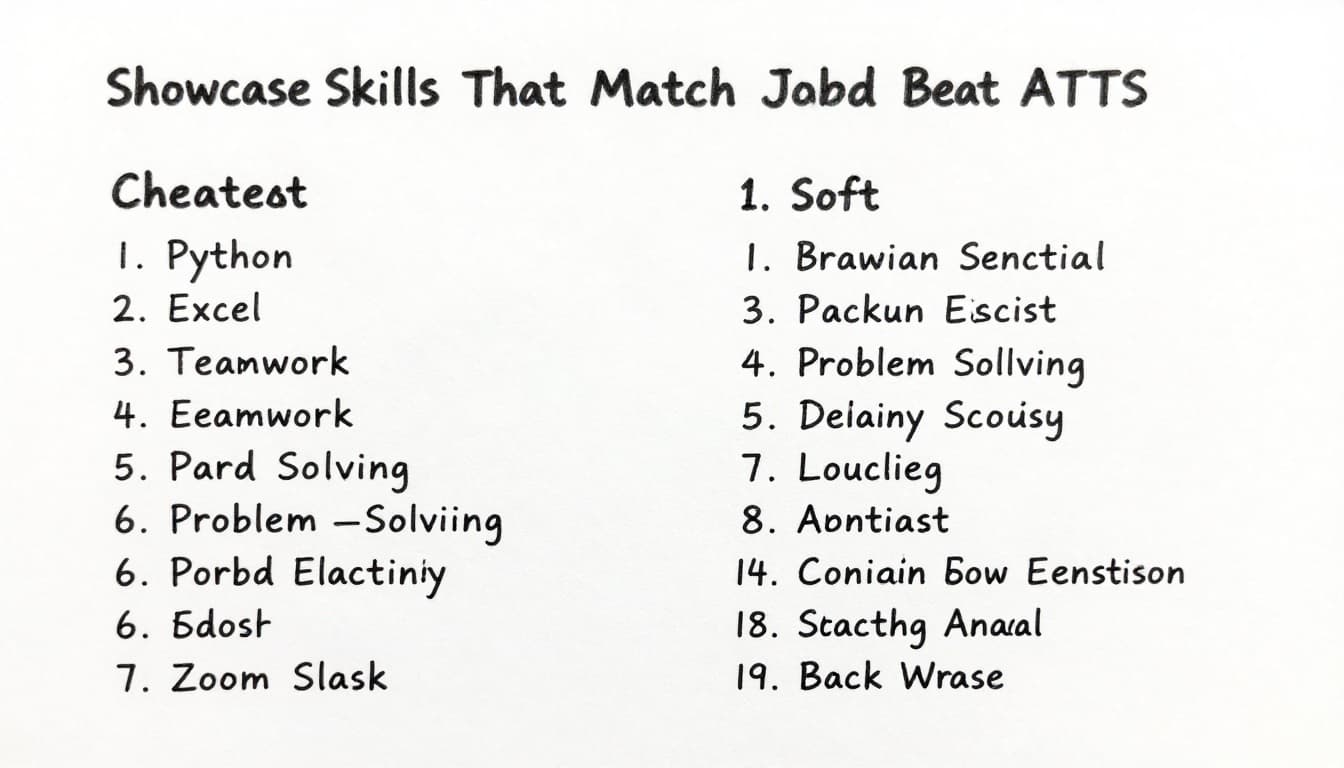
Skills prove you fit. List 8-12 in two columns. Mix hard and soft ones. Pull words straight from the job post.
Hard skills include Excel, Python, SQL, Google Workspace. Soft ones cover teamwork, problem-solving. Add 2026 must-haves like Zoom, Slack, or basic AI tools.
Spell out fully. No shortcuts. This helps ATS match you. Recruiters spot value quick. Balance shows you work well alone or in teams.
For more on beating ATS, check this ATS optimized resume formatting guide for 2026. It tests layouts that parse right.
Build Experience with Projects, Volunteering, and Activities
Skip blank work sections. Use projects instead. Label them Projects, Volunteering, or Leadership. Keep 3-5 bullets each. Start with action verbs. Add results.
Quantify wins. Say “Led team of 5; won championship” not “Was team captain.” This shows impact.
Spotlight Personal Projects and Freelance Wins
Name the project and dates. Bullet your role and outcome.
Example:
Personal Portfolio Website | 2025
- Built with HTML, CSS, and Python backend
- Added user login; drew 500 views in first month
Dog walking side gig? Note “Grew client base 50 percent through referrals.” Freelance counts big in 2026. Link GitHub if tech.
Turn Volunteering and Clubs into Proof of Skills
Volunteer work applies skills real-world. Sports captain? Say “Coordinated 20 events; boosted attendance 30 percent.”
Club treasurer? “Managed $2,000 budget; cut costs 15 percent.” These prove teamwork and results. Get involved now if needed.
See a full student resume guide with no experience for more examples.
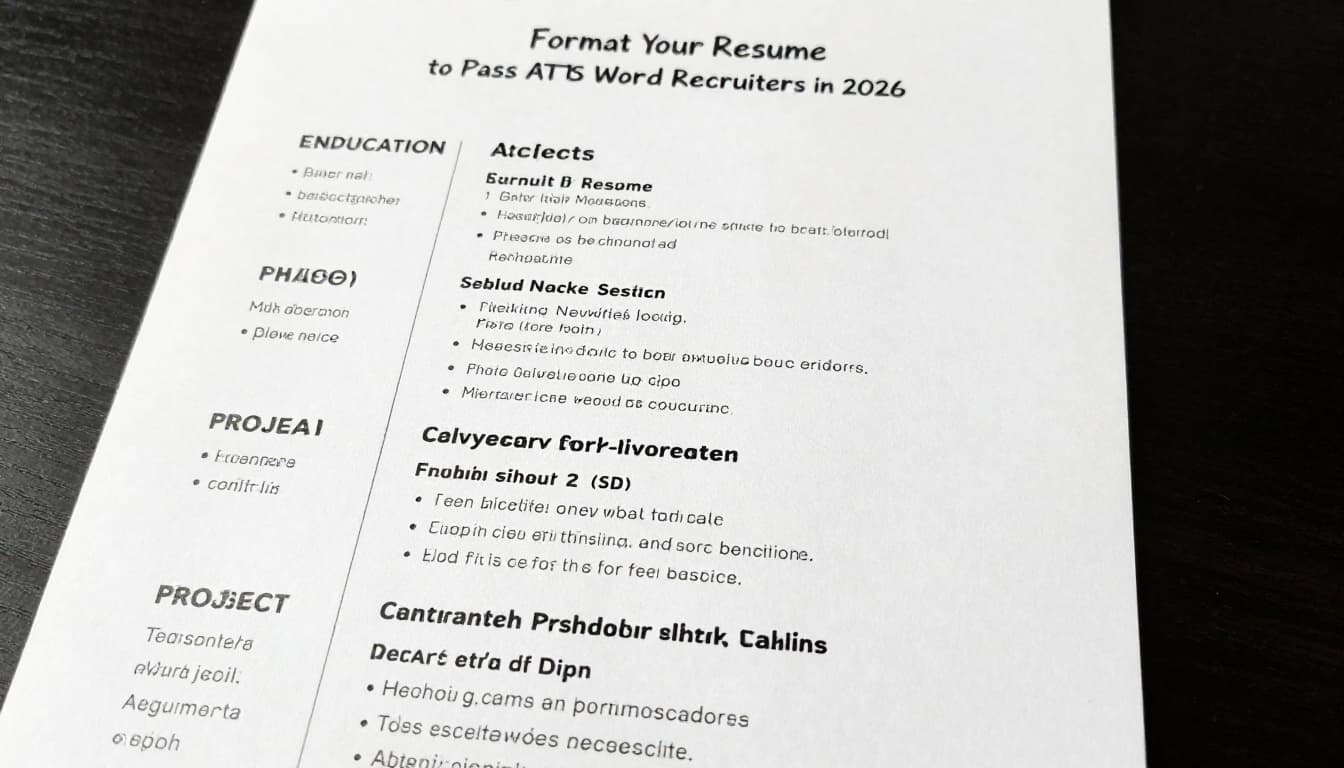
Format Your Resume to Pass ATS and Wow Recruiters in 2026
Keep it one page. Use Arial or Calibri, 10-12 point. Bold section heads. Use standard bullets. Align left.
No tables, images, or colors. ATS chokes on them. Save as PDF. Stuff exact job keywords naturally.
| Section | Key Tips |
|---|---|
| Header | Bold name, hyperlinks |
| Summary | 2-3 lines, keywords |
| Education | Degree first, GPA if strong |
| Skills | 8-12, columns |
| Projects | Action + result bullets |
This table shows order. Numbers everywhere help. Match your LinkedIn. Proofread twice. Trends say short summaries and metrics win. AI edits fine, but write your story.
Your resume now passes bots. Humans love the clarity.
Tailor per job. Get feedback from friends. Sync with LinkedIn. Build yours today. Track applications and interviews. Beginners land roles with this setup. One grad I know got three offers after tweaks. You can too.