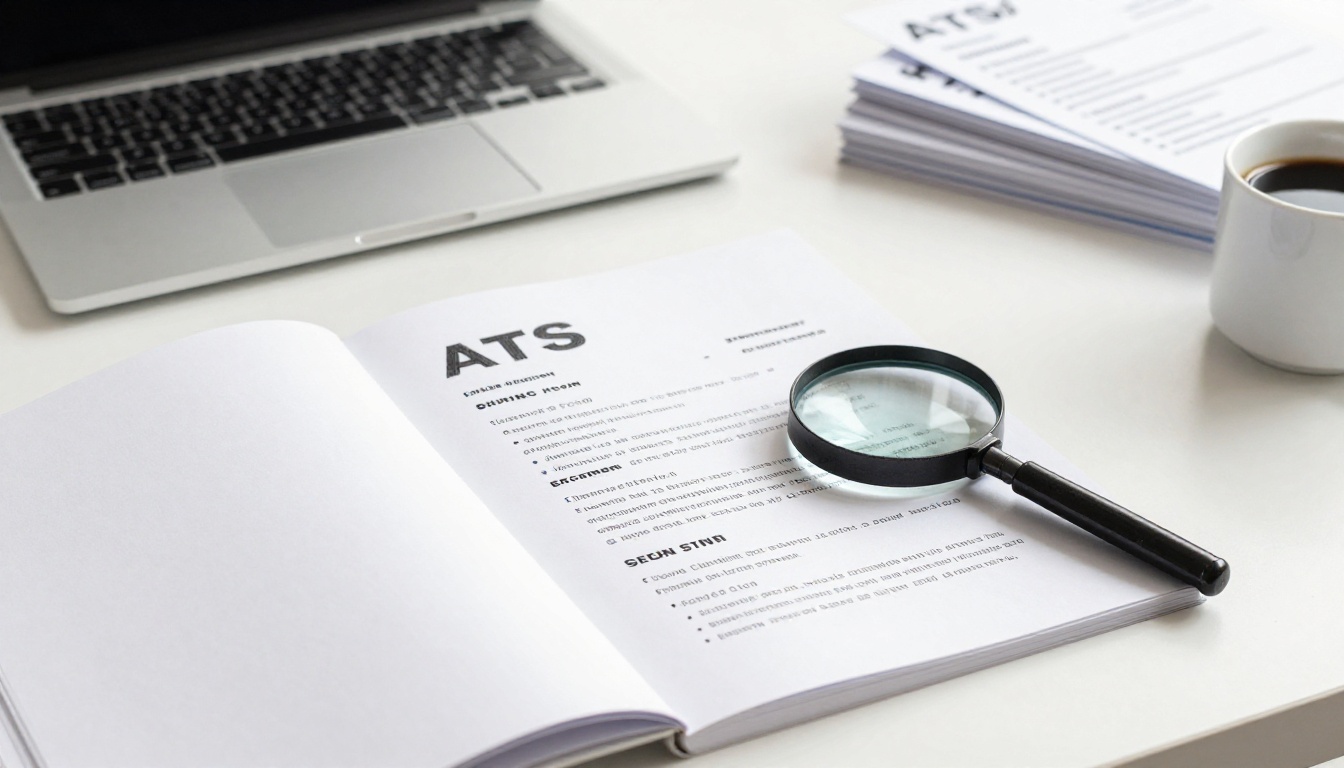
Recruiters spend just 6 to 8 seconds on your first scan. That’s all the time they give before deciding yes or no. In 2026, ATS systems reject most resumes with fancy designs or missing keywords right away.
You face a stack of applications. A simple resume stands out because it puts skills first, backs them with numbers, and matches job words exactly. This approach beats the bots and grabs human eyes fast.
This post shows you trends recruiters want now, key sections to build, and design tips for ATS and people. Follow these steps, and you’ll land more interviews soon.
Know What Recruiters Crave in a 2026 Resume
Recruiters want proof of impact over job lists. They scan for skills and results that fit the role. In 2026, skills-based hiring leads the way, so lead with what you do best.
Numbers make your case strong. For example, say you boosted sales 25% instead of just “handled sales.” This grabs attention because it shows real value.
Tailor keywords from the job ad. ATS bots hunt for them first. Then humans check if you match.
Keep it to one or two pages max. Most prefer one page for quick reads. Put big wins up top.
Skills mix with soft traits like teamwork. AI knowledge helps too, even basic use.
Lead with achievements to hook recruiters in those first seconds.
For more on skills-based hiring trends in 2026, check recent insights.
Put Skills Up Front to Grab Attention Fast
List 6 to 12 skills right after your name. Group them: tech tools like Excel or Slack, then soft ones like problem-solving.
This beats long job histories for scans. Recruiters see fit in seconds.
Sample for sales jobs:
- CRM software (Salesforce, HubSpot)
- Negotiation and closing deals
- Data analysis for leads
For IT roles:
- Python, SQL databases
- Cloud platforms (AWS)
- Team collaboration
Match the ad exactly. If it says “Agile methods,” use those words. This passes ATS and shows relevance.
Group in two columns if space allows. Bold key ones. Skip weak skills; focus on strengths.
Ditch Objectives for a Punchy Pro Summary
Skip old goal statements. They waste space.
Write 2 to 4 lines instead. State who you are, top wins, and job fit.
Example: “Sales pro with 20% growth record at XYZ Corp. Skilled in CRM tools. Ready to drive marketing leads.”
Keep it tight. No fluff like “hard worker.” Link past results to their needs.
This hooks like a headline. Test it: does it fit the job in one read?
Build Sections That Prove You Deliver Results
Start with basics. Put name big, phone, pro email, LinkedIn. Skip home address; it’s outdated.
Next, work history. Go reverse order: newest first. Cover last 10 to 15 years. Drop old jobs unless relevant.
Focus recent roles. Use 3 to 5 bullets per job. Show impact.
Education goes last if you have experience. Certs shine if they match.
Here’s a quick layout:
| Section | What to Include | Why It Works |
|---|---|---|
| Contact | Name, phone, email, LinkedIn | Easy reach, pro look |
| Skills | 6-12 key ones | Fast scan win |
| Experience | Reverse chrono, bullets | Proves results |
| Education | Degree, year (if fresh) | Quick context |
This order flows for readers. Customize per job.
Craft Work Bullets with Action and Numbers
Start each with a strong verb. Add task, result, metric.
Formula: Verb + what + how much. Example: “Led team of 4 to cut delays 30%.”
Numbers boost replies by 40%. They prove you deliver.
Top verbs: achieved, boosted, created, directed, expanded, generated, improved, launched, managed, negotiated, optimized, planned, quantified, revamped, streamlined, trained, unified, validated, won, yielded.
From top action verbs for 2026, pick ones that fit your field.
Tailor every bullet. Scan the ad for duties. Mirror them with your wins.
Before: “Handled customer calls.” After: “Resolved 95% of calls same day, up retention 15%.”
Revise until each pops.
Keep Education and Extras Short and Sweet
List degree, school, year. Add GPA if over 3.5 and recent.
Fresh grads: Put it higher. Pros with 10+ years: Shorten or skip details.
Certs count big. Example: “Google Analytics Certified, 2025.”
Projects for gaps: “Built app for local nonprofit, 500 users.”
Keep to 2 to 4 lines total. Relevance rules.

Simple resume sketch showing key sections.
Design for ATS and Human Eyes Alike
Use one column. Standard fonts like Arial or Helvetica, 10 to 12 pt.
Save as Word or PDF. Bold section heads. Bullets, not tables.
Add white space. Short lines, 0.5 inch margins.
No colors, images, or graphics. They break ATS.
For humans: Clean sells. Match phrases naturally from ads.
Common fixes: Swap bad email like fun123@gmail.com for firstname.lastname@email.com.
Test your file. Copy to Notepad; if it reads clean, ATS will too.
See ATS formatting rules for 2026 for checklists.
Sidestep ATS Rejections with Simple Formatting
ATS reads text plain. No headers, footers, or images.
Use standard headings: “Work Experience,” not “Career Journey.”
Spell out acronyms first: SEO (search engine optimization).
Match keywords naturally. Don’t stuff.
Save tip: PDF for design, Word if site asks.
Test free tools. Paste job ad and resume; aim 80% match.
Avoid Human Skimmers’ Pet Peeves
Drop “references available.” They assume it.
No long blocks. One idea per bullet.
Cut irrelevant jobs. Focus top 3 to 5.
Before: Dense para on duties. After: 4 crisp bullets with numbers.
Pro email only. Clean layout wins.
A simple resume gets you there.
Your simple resume now hooks in seconds. Put skills first, pack bullets with numbers, tailor to jobs, and keep design plain.
Customize for each app. Run free ATS checkers online.
Grab interviews in weeks. What’s your top win to highlight? Share below.
(Word count: 1487)